How to Install IPTV Smarters Pro on Android TV, Google TV & Chromecast (2026 Guide)
Step 1 – Prepare Your Device for Installation
Before installing IPTV Smarters Pro manually, you need a download tool that allows APK sideloading.
The safest option is the Downloader app.
Install Downloader on Android TV / Box
1. From the home screen, select Search.
2. Type Downloader and press Enter.
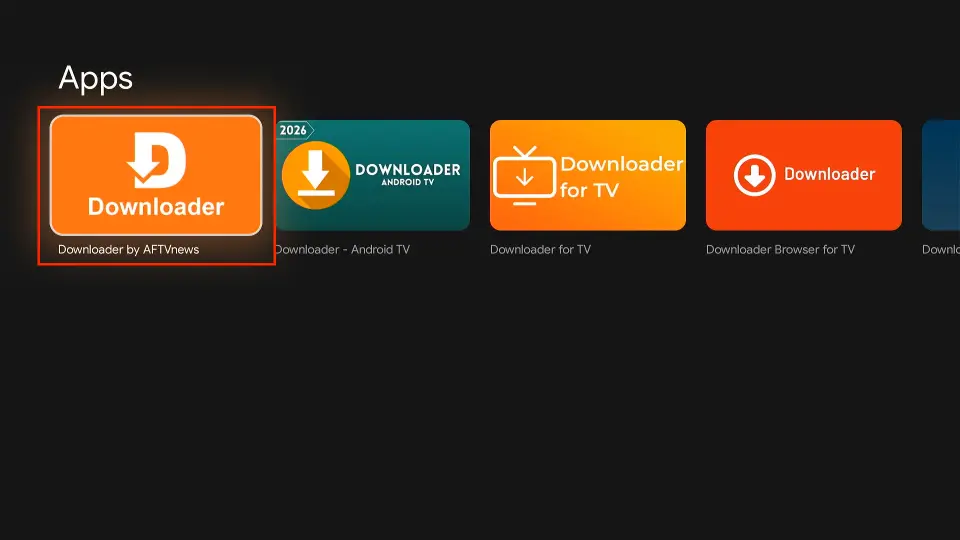
3. Choose the Downloader app from the results.
4. Click Download / Get.
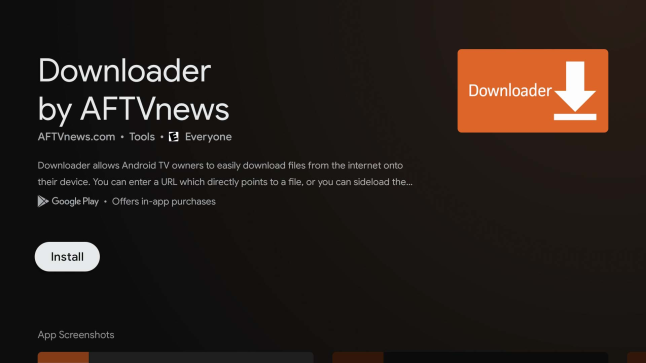
5. Wait for the installation to finish.
You’ll see: Downloader Ready to Launch.
Downloader is now installed and ready to use for sideloading the 8K Player IPTV app.
Step 2 – Download and Install IPTV Smarter Pro
Now you’re ready to install the app.
Installation Steps
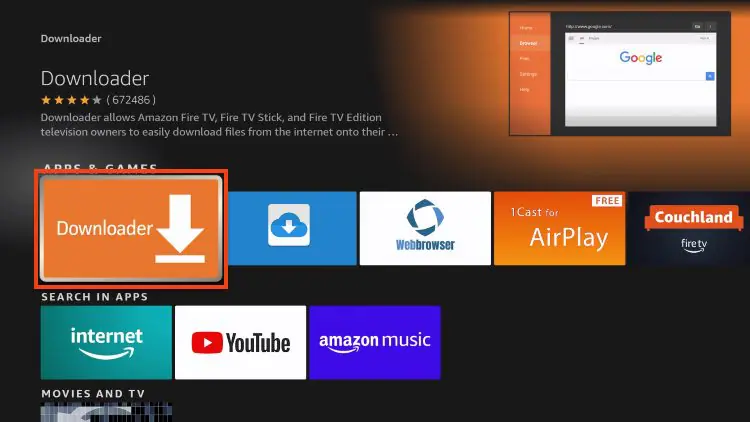
1. Open Downloader
2. Select the URL field
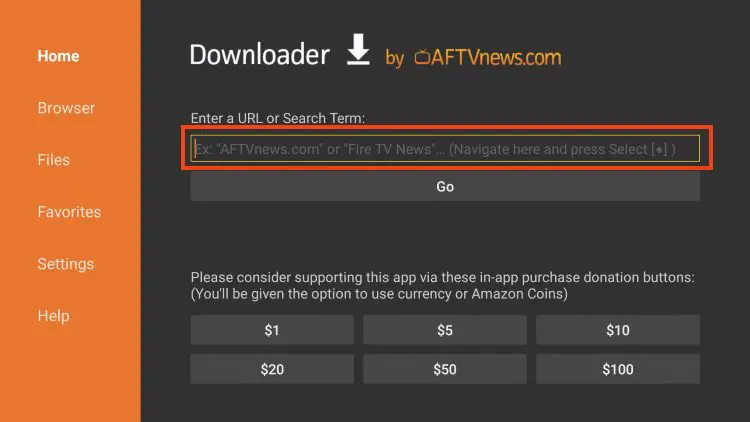
3. Enter this download code:
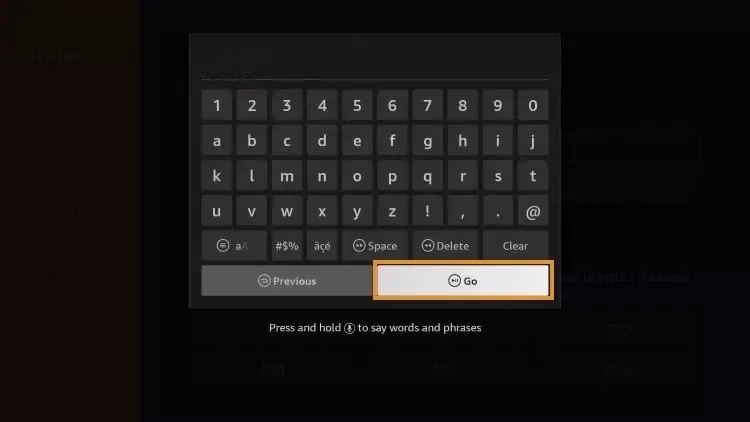
4. Click Go
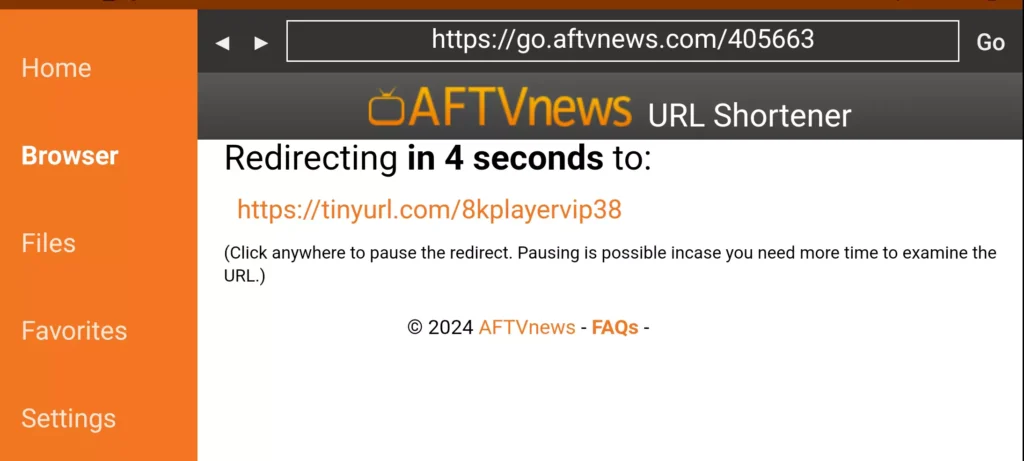
5. Wait for the redirect page (4–6 seconds)
6. If needed, click the download link manually
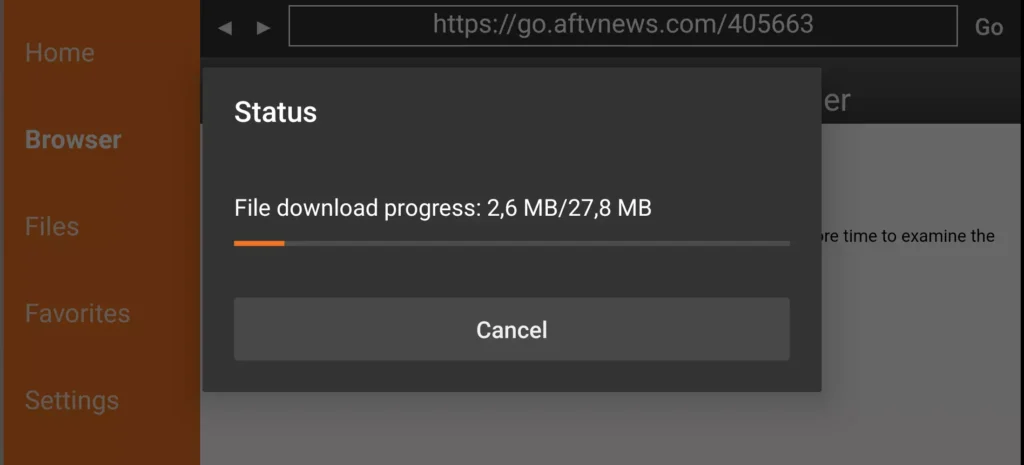
7. Wait for the APK to finish downloading
8. After the download finishes, click Install.
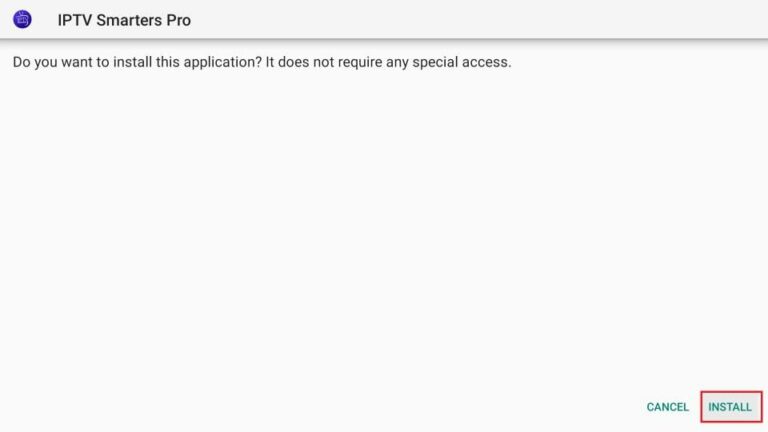
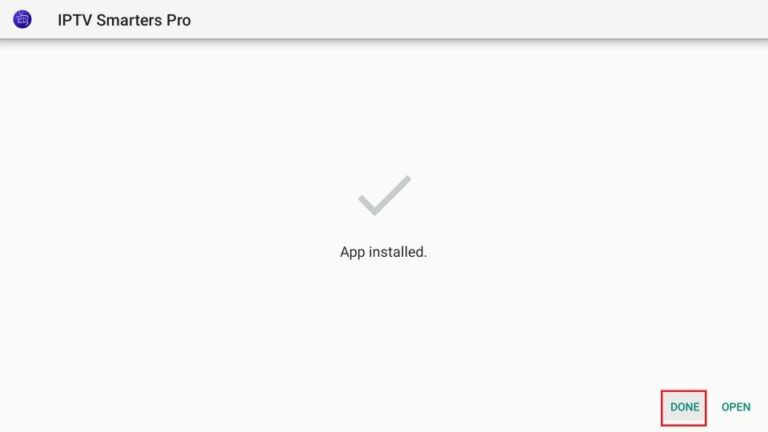
9. Select Done when installation completes.
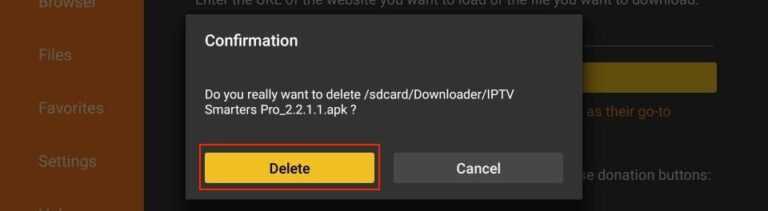
10. When prompted, choose Delete to remove the installation file and free space.
11. Confirm Delete again.
12. IPTV Smarters Pro is now installed and available in your Apps list.
✅ Iptv Smarters Pro is now installed.
How to Set Up IPTV Smarters Pro
After installing the app, follow these setup steps:
1. Launch IPTV Smarters Pro
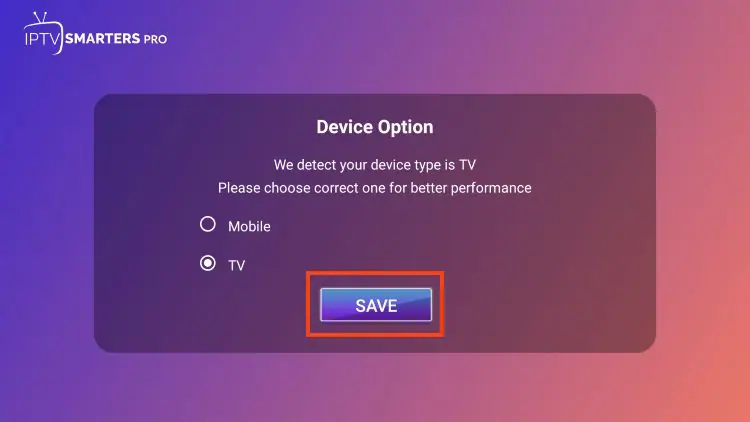
2. Choose your device type
3. Select TV (for Firestick / Android TV / Google TV)
4. Click Save
5. Read the notice that Smarters Pro does not provide content
6. Click Accept
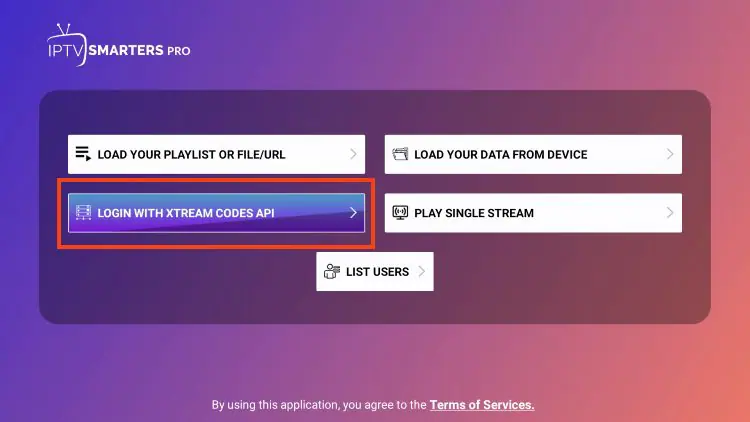
You’ll now be asked to choose your login method.
Login with Xtream Codes API (Recommended)
1. Select Login with Xtream Codes API
2. Enter the following details provided by your IPTV service:
Server URL
Username
Password
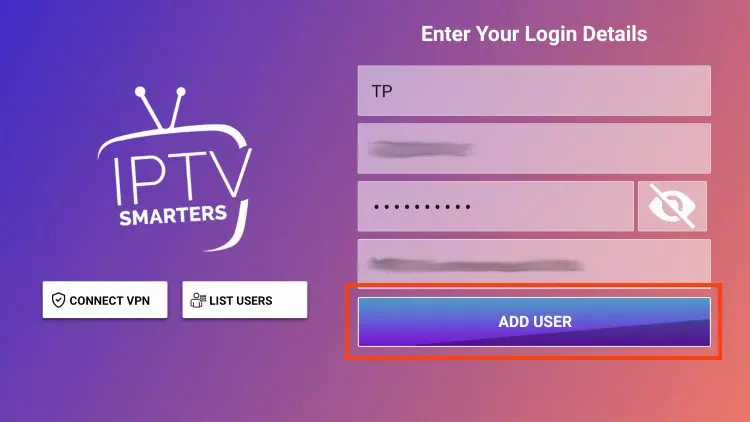
3. Click Add User
4. Wait for the confirmation message