How to Install 8K Player VIP on Android TV, Google TV & Chromecast
Step 1 – Prepare Your Device for 8K Player Installation
Before installing the APK file, you first need a download tool that allows third-party app installation.
The safest option is the Downloader app.
Install Downloader on Android TV / Box
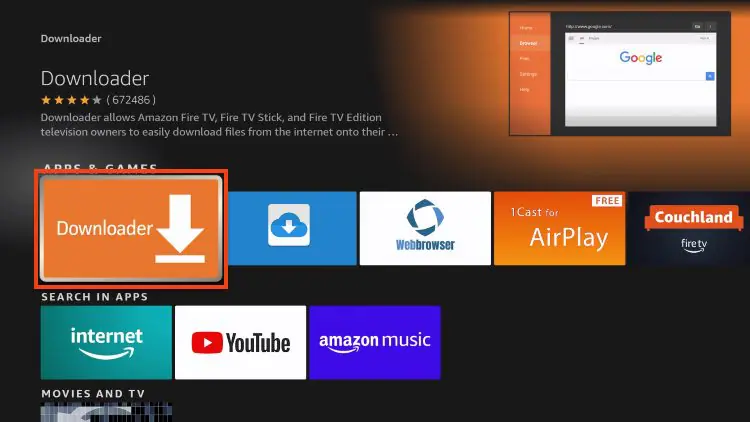
1. From the home screen, open Search
2. Type Downloader
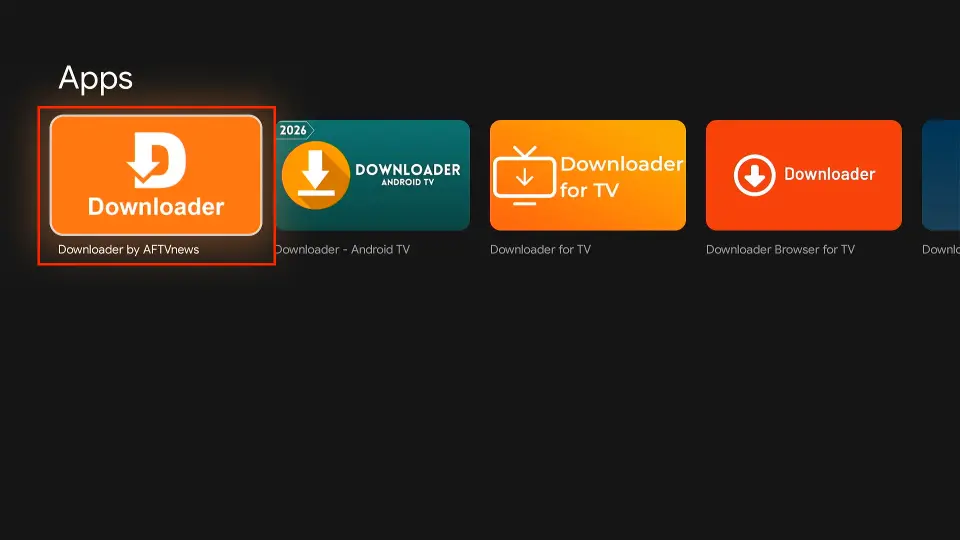
3. Select the Downloader app from results
4. Click Download / Install
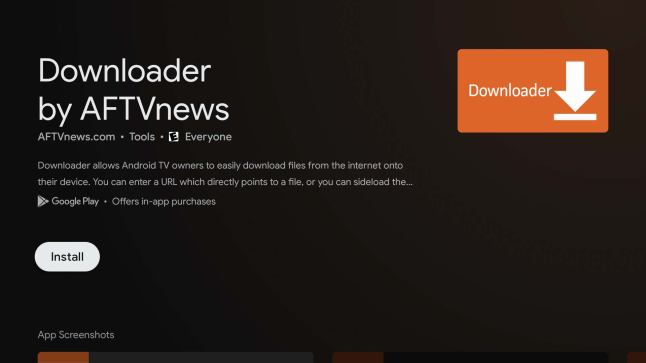
5. Wait for installation to complete
You’ll see: Downloader Ready to Launch
Downloader is now installed and ready for sideloading the 8K Player IPTV app.
Step 2 – Allow Apps from Unknown Sources
To install 8K Player VIP, Fire TV must allow third-party apps.
Enable Unknown Apps
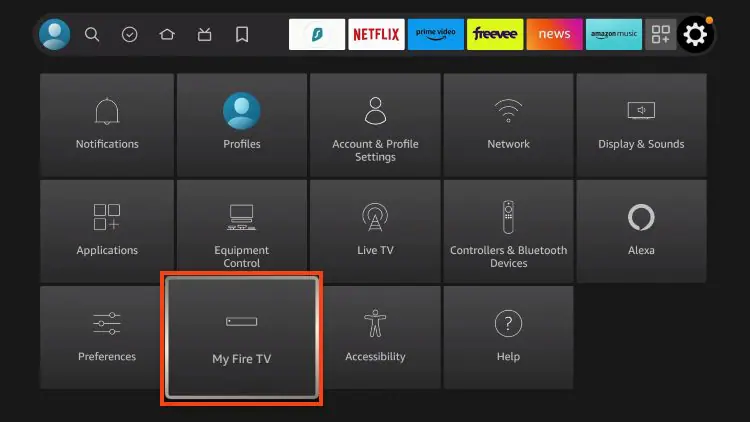
1. Go to Settings → My Fire TV
2. Open Developer Options
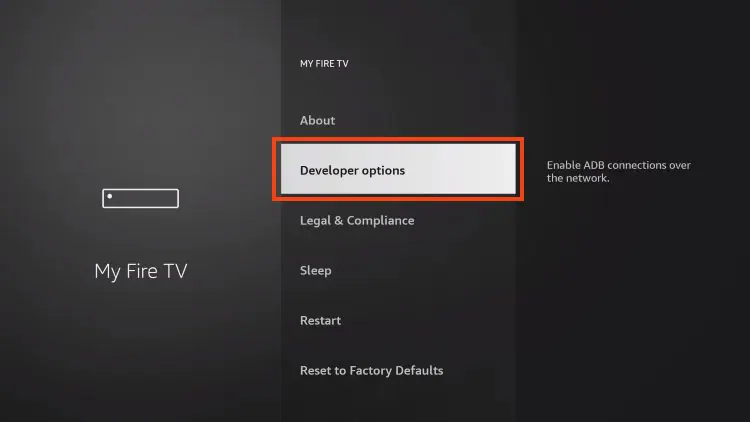
3. Select Install Unknown Apps
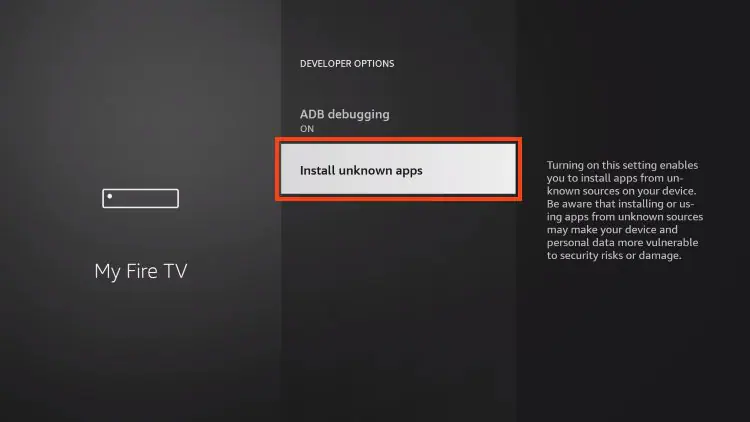
4. Turn Downloader → ON
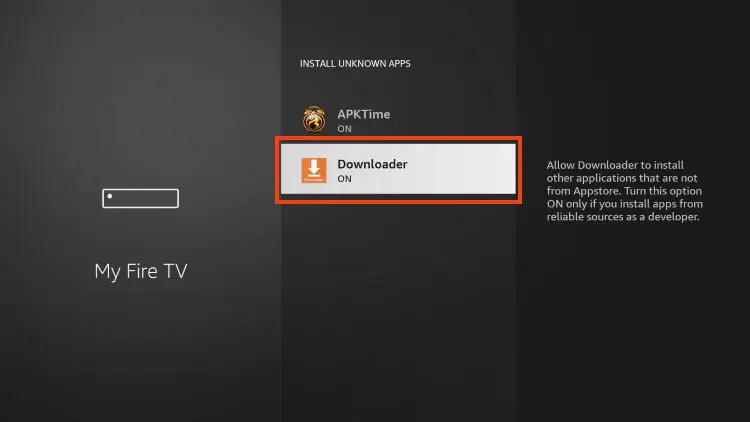
Your Firestick can now install external IPTV apps.
Step 3 – Download and Install 8K Player VIP
Now you’re ready to install the app.
Installation Steps
1. Open Downloader
2. Select the URL field
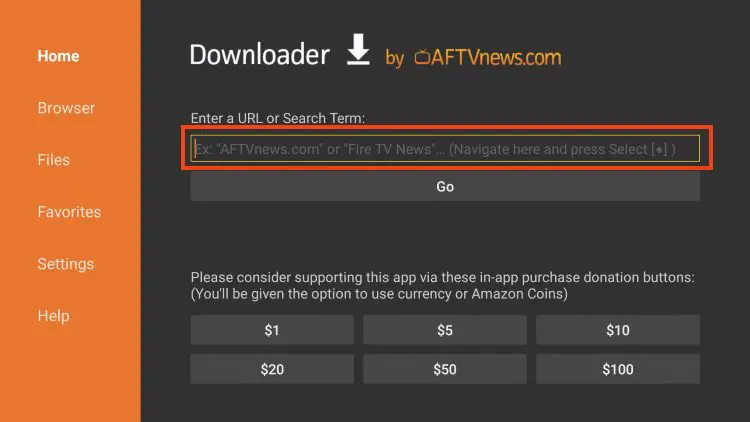
3. Enter this download code:
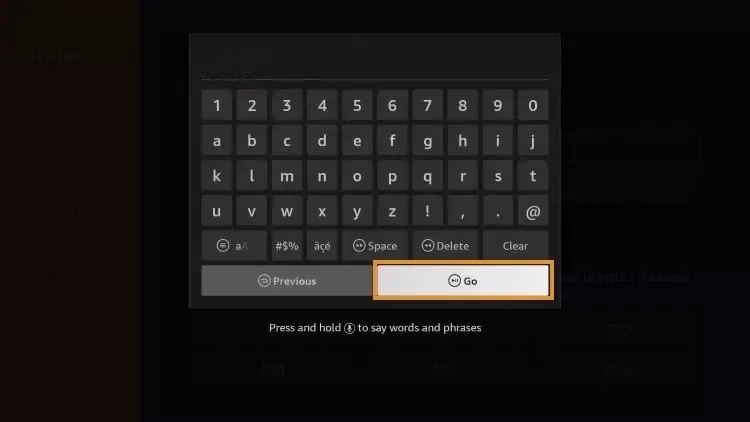
4. Click Go
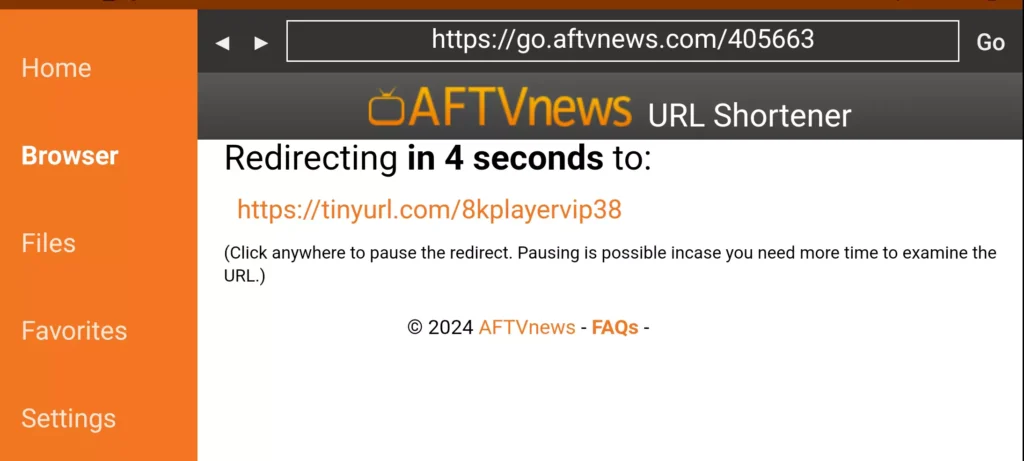
5. Wait for the redirect page (4–6 seconds)
6. If needed, click the download link manually
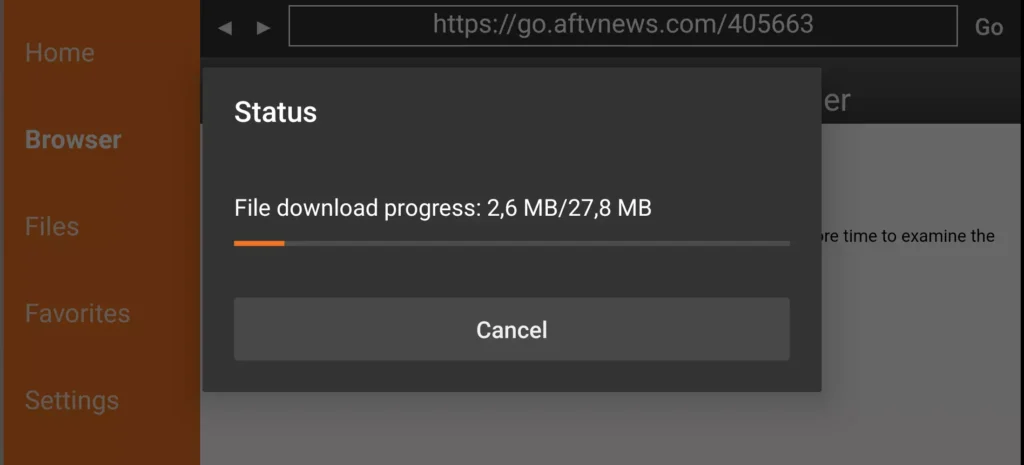
7. Wait for the APK to finish downloading
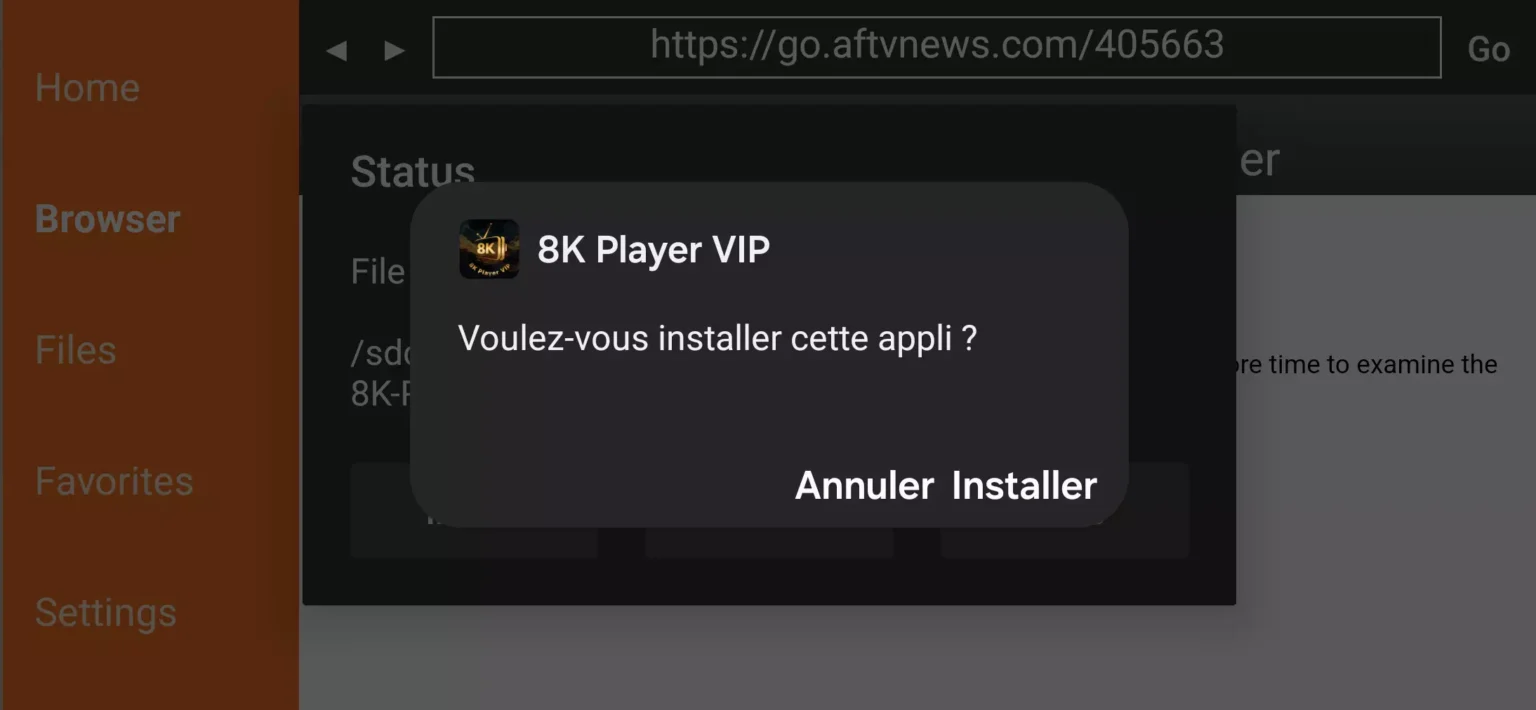
8. Select Install
✅ 8K Player VIP is now installed.
Step 4 – Configure IPTV in 8K Player VIP
After installation, open the app to add your IPTV account.
Setup Instructions
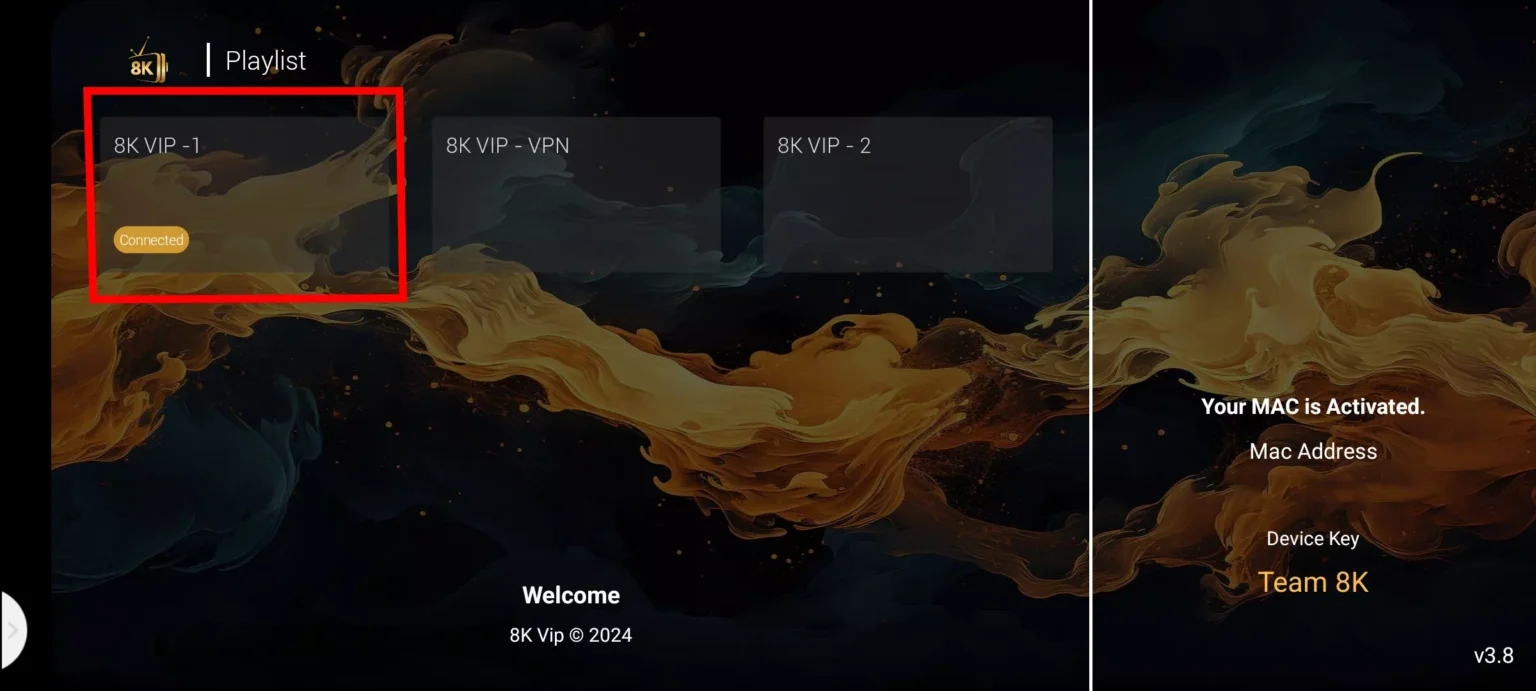
1. Select 8K VIP
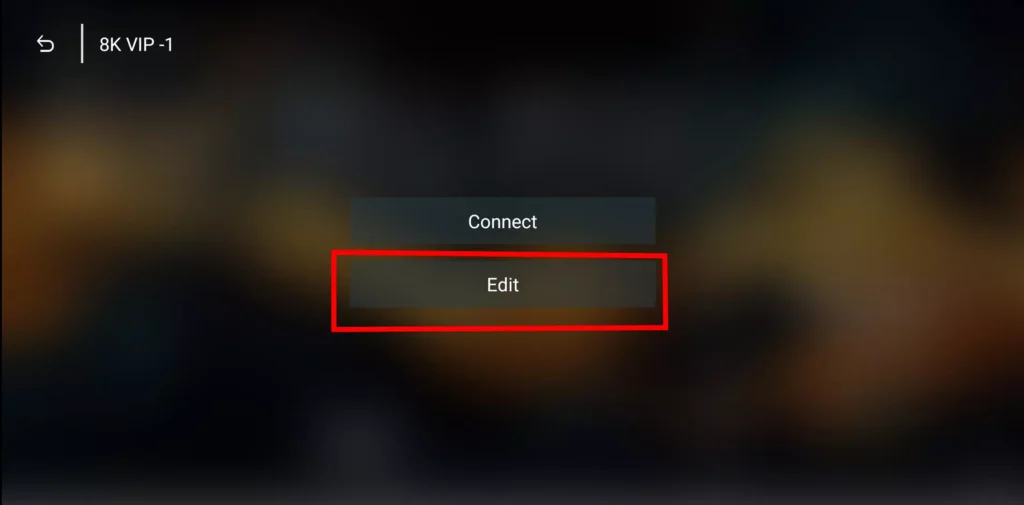
2. Click Edit
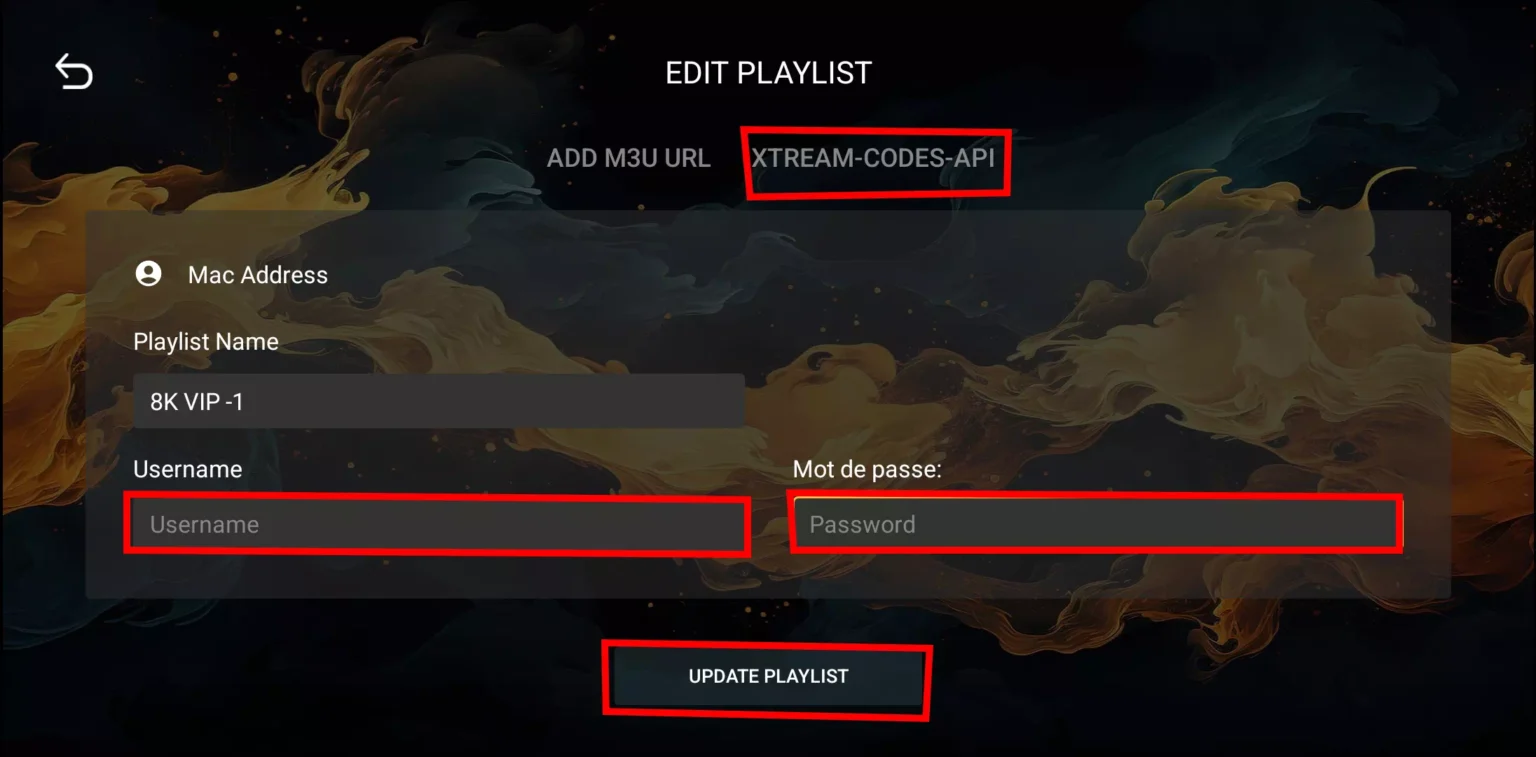
3. Enter your IPTV details:
Playlist Name
Username
Password
4. Press Update Playlist
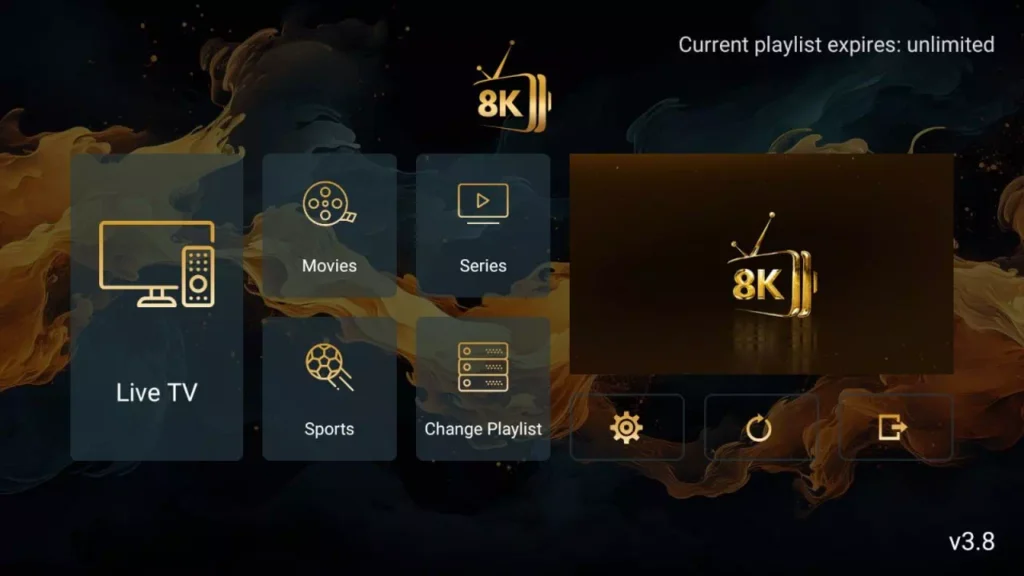
If you don’t have a subscription yet, you can activate one and receive login credentials instantly.